
Other
Administrative Assistant Resume Example & Guide
Administrative assistants keep organizations running in every industry, which is exactly why the resumes blur together — "managed calendars and answered phones" describes a hundred thousand candidates. The strong ones show scope (who and how many you supported), software depth beyond box-checking, and the judgment calls that made you trusted with more.
Pro Resume Builder drafts bullets from your real responsibilities and keeps every line editable, and its ATS check scores your resume against a specific posting — administrative roles draw high applicant volumes, so most screening is automated first.
What a strong administrative assistant resume shows
- Support scope, precisely. Who you supported and at what level — "EA-style support for two VPs plus a 20-person department" — with calendar, travel, and expense responsibility spelled out.
- Software beyond the checkbox. Microsoft 365 or Google Workspace at real depth — Excel specifically (lookups, pivot tables if honest), plus scheduling, expense, and video-conferencing tools you administer.
- Coordination you owned. Meetings and minutes, events and offsites, vendor and facilities coordination — with sizes and frequencies that show the scale you operate at.
- Document and records work. Reports and presentations prepared, records systems maintained, and any process documentation you created — the institutional memory work that makes you hard to replace.
- Confidentiality and judgment. Handling sensitive information, gatekeeping, and prioritizing among competing executives — described through real responsibilities rather than adjectives.
- Improvements with honest scale. A filing system rebuilt, a scheduling process streamlined, an onboarding checklist created — small, true, specific wins beat grand vague claims.
A good template for administrative assistant resumes
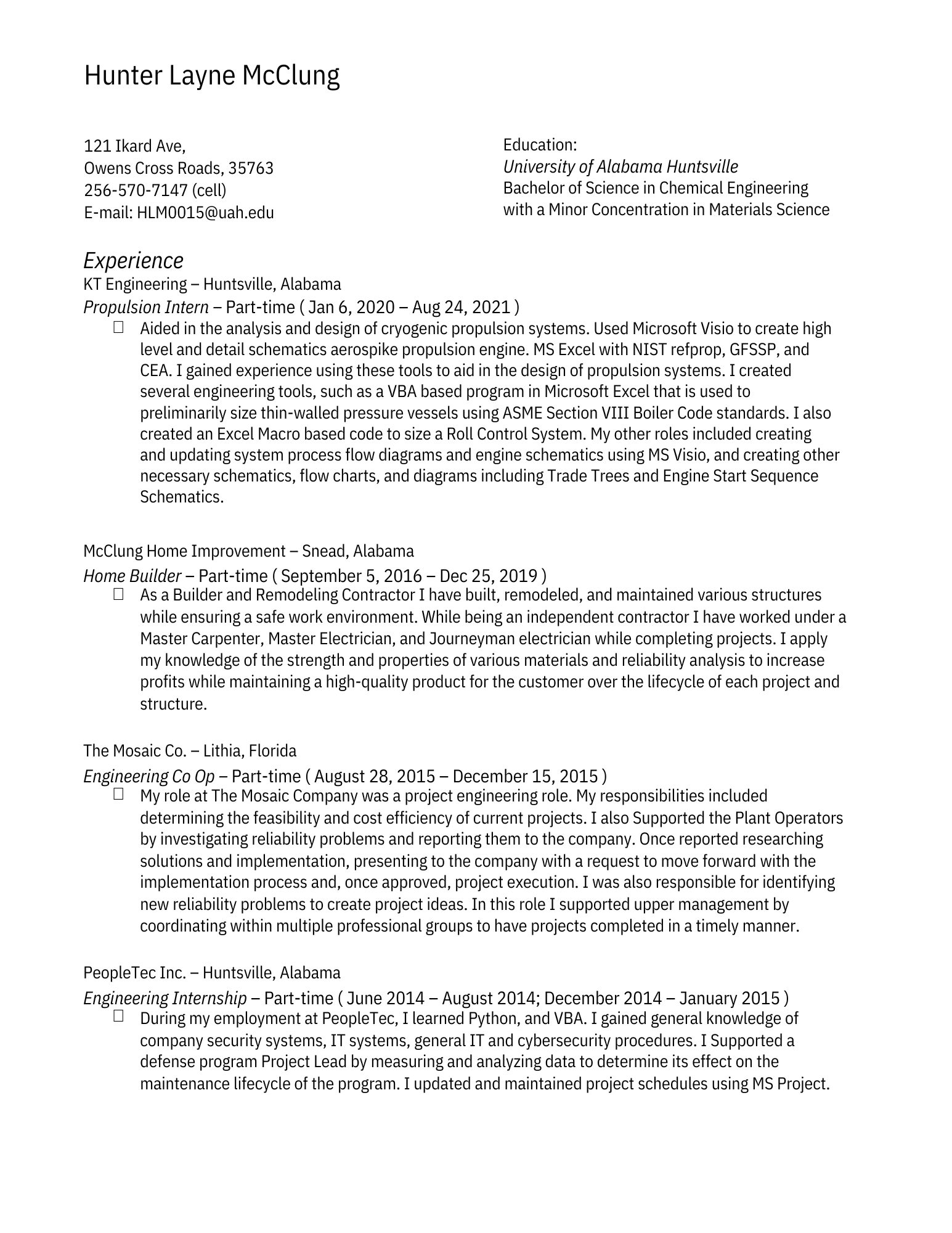
The Classic template
The Classic template’s clean, traditional single-column layout suits a role where polish and clarity are themselves qualifications — and it parses reliably through screening software.
Every template is built from the same structured content, so you can switch designs without retyping anything.
Browse all templates →Frequently asked questions
How do I make an administrative assistant resume stand out?
Specificity: name the scope ("supported a C-level executive and 3 directors"), the volumes (travel bookings per month, events per year), and the systems. Most admin resumes stay generic, so concrete detail alone moves you into the top of the stack.
Should I list soft skills like organization and communication?
Show them instead of listing them. "Organized" as a word is filler; "maintained calendars for three executives across two time zones with zero double-bookings" is organization made visible. Every soft skill has a factual form — use that.
Administrative assistant vs executive assistant — which title do I target?
Match the reality of your experience: EA roles emphasize dedicated executive support, judgment, and confidentiality; AA roles emphasize breadth across a team or office. If your work spans both, say so in your summary and let each application lead with the matching half.
What Excel level should I claim?
The level you can demonstrate in a skills test, since many employers give one: basic (formatting, sorting), intermediate (lookups, charts, pivot tables), or advanced (complex formulas, macros). Overclaiming Excel is one of the most commonly exposed resume inflations.
Build your administrative assistant resume with AI that speaks your field — and see how it scores against a real job posting before you apply.
Build your resumeQuestions about plans? See pricing